NAMSS 2026 Recap: Credentialing Grew Up, Got a Dashboard, and Stopped Rubber-Stamping

Stephanie Morris, PESC
October 27, 2026

If you're looking for a provider credentialing API, start by asking yourself one question. Do you want verified data, or do you want a complete credentialing file? Some APIs return license statuses, sanctions results, and supporting evidence, and your team assembles the file from there. Others can manage the credentialing workflow for you and send back a file that's ready for committee review.
We built Assured for teams that want the complete file. Our API connects your existing systems to our NCQA-certified CVO and AI-powered provider network management platform. The platform checks credentials across 2,000+ sources and prepares committee-ready files in under 48 hours. Still, the right choice for you depends on how much of the process you want to keep in-house.
Physicians fill out around 18 credentialing applications a year, according to a 2023 Health Affairs Scholar study. So it's no wonder more teams want credentialing to run from the systems they already use, like their ATS or onboarding flow.
But "credentialing API" can mean two very different products, and the one you pick decides how much work stays with your team. We'll get into both in a second, right after a quick word about us.
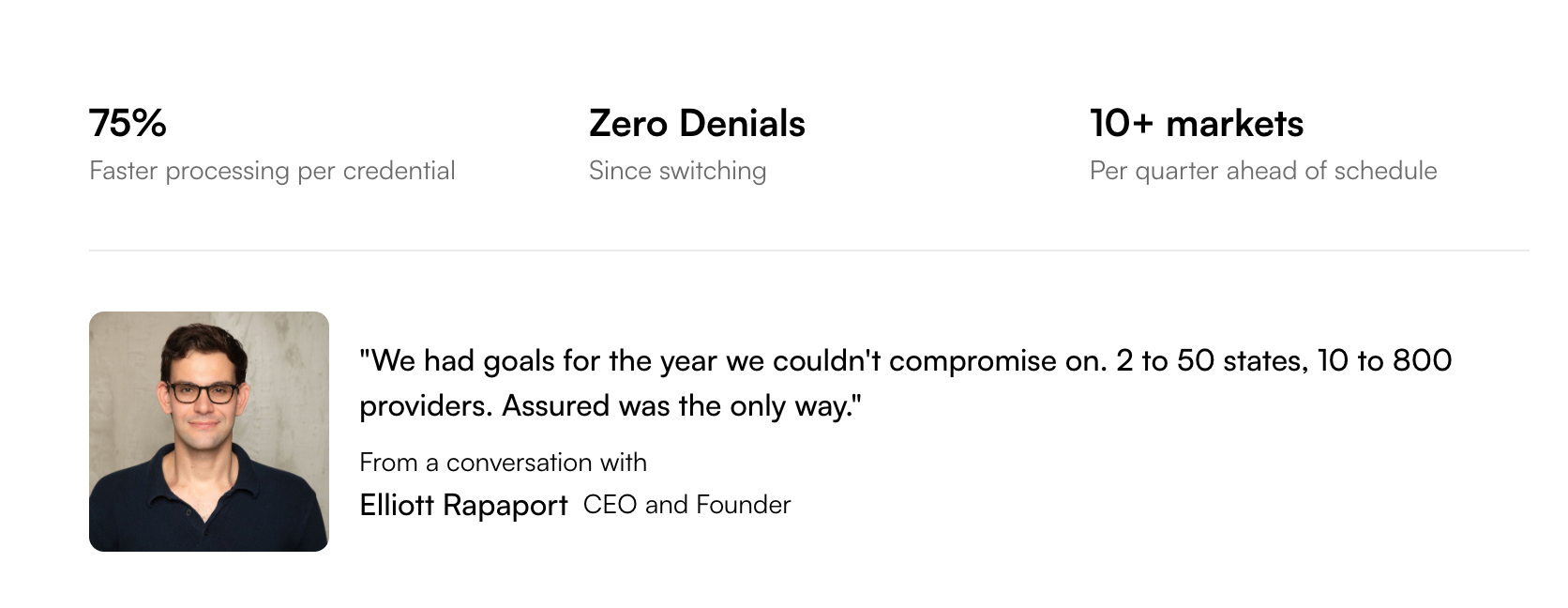
The National Committee for Quality Assurance (NCQA) certifies us in all 11 of its evaluation products as a credentials verification organization (CVO). Our platform delivers committee-ready files in under 48 hours. Birches Health, for example, grew from 10 providers in 2 states to 800 across all 50 states with us. Along the way, they saw processing speeds up to 75% faster per credential.
We run that same work through our own API, so we know what your team needs from one.
A provider credentialing API connects your software to a credentialing service. Your system sends a provider's details over, and verified results come back automatically. The checks behind those results are called primary source verification (PSV). That means confirming each credential with the issuing authority, like the state board that granted a license.
For example, when you hire a psychiatrist licensed in New York and New Jersey, your ATS can send their details to the API. The API then checks both licenses with the state boards. It also confirms their DEA registration and runs them against federal exclusion lists. And nobody on your team has to log into a single website.
What you get back depends on the kind of API. A verification-data API returns each result on its own, so your team still builds the file for your credentialing committee. A credentialing-workflow API is run by a CVO, and it hands you the committee-ready file itself. Either way, payer enrollment comes afterward as its own step, and that's what sets the provider up to bill insurance plans.
Before we get into each one, the table below shows what each API hands back and where it stands with NCQA. NCQA lists these vendors under two separate programs, CVO Certification and Credentialing Certification, so we've named the program next to each status.
Assured is an AI-powered platform that automates provider credentialing, licensing, and payer enrollment for healthcare organizations. Our API lets your engineers connect that work to the tools you already use, like your ATS, EMR, or onboarding flow. You send a provider in and get a committee-ready file back, without anyone on your team chasing a state board. You'll find the details in our public API reference.
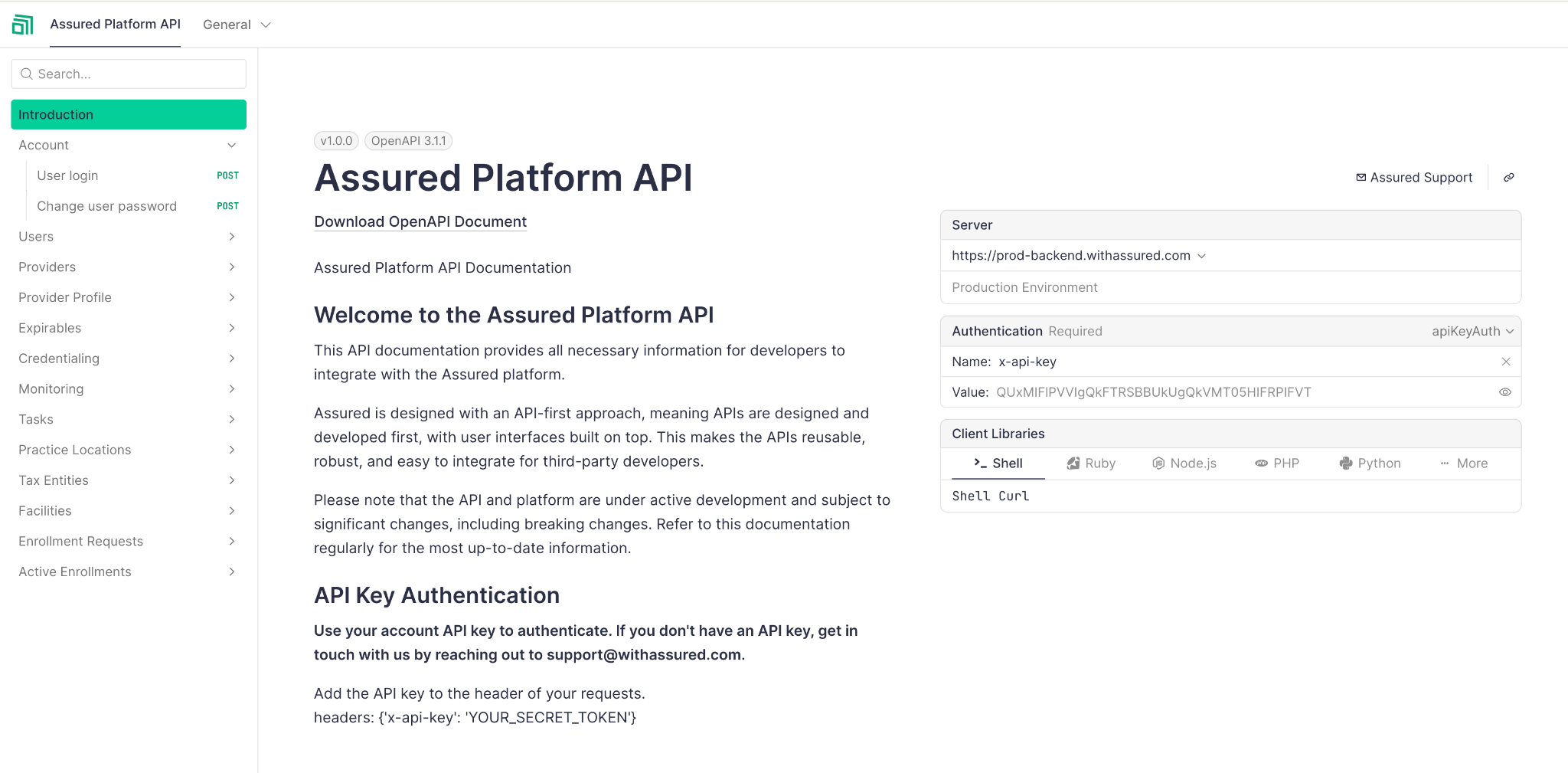
In practice, your system starts by creating the provider in Assured or importing their profile from CAQH (now DataSpring). CAQH is where providers keep their self-reported credentialing details. Then you open a credentialing request for the states you need, and our AI agents run primary source verification across 2,000+ sources. You can follow each request through the API and download the finished file when it's ready. But the credentialing decision itself stays with your committee.
Through the API, your system can:
Meanwhile, our AI agents and platform do the credentialing work itself:
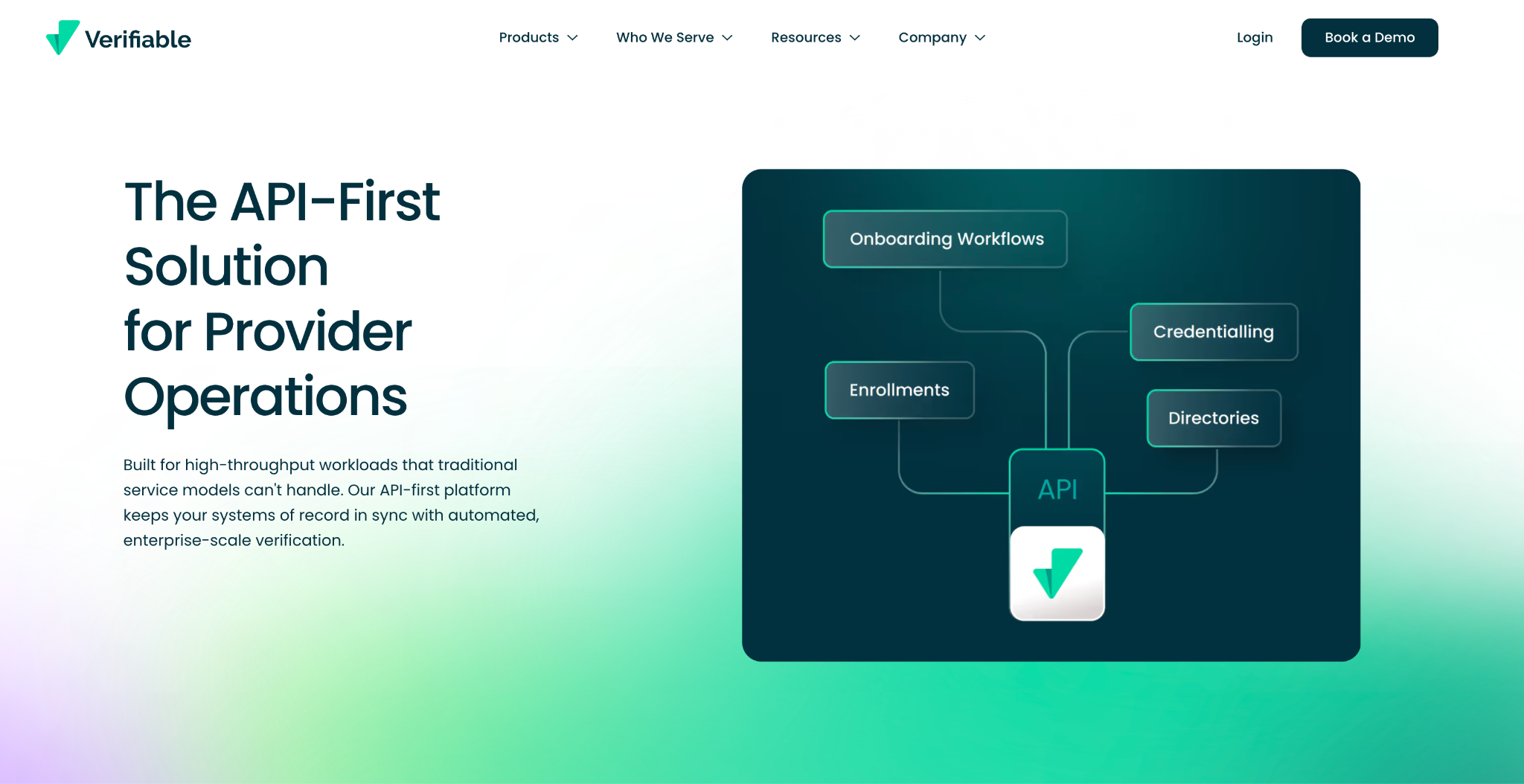
Verifiable is a provider credentialing and monitoring platform with a public REST API, which is the standard style most web software uses. For each credentialing request, you can send it to Verifiable's own NCQA-certified CVO or run the workflow yourself. And when you add a supported license type, Verifiable checks it with the licensing source automatically.
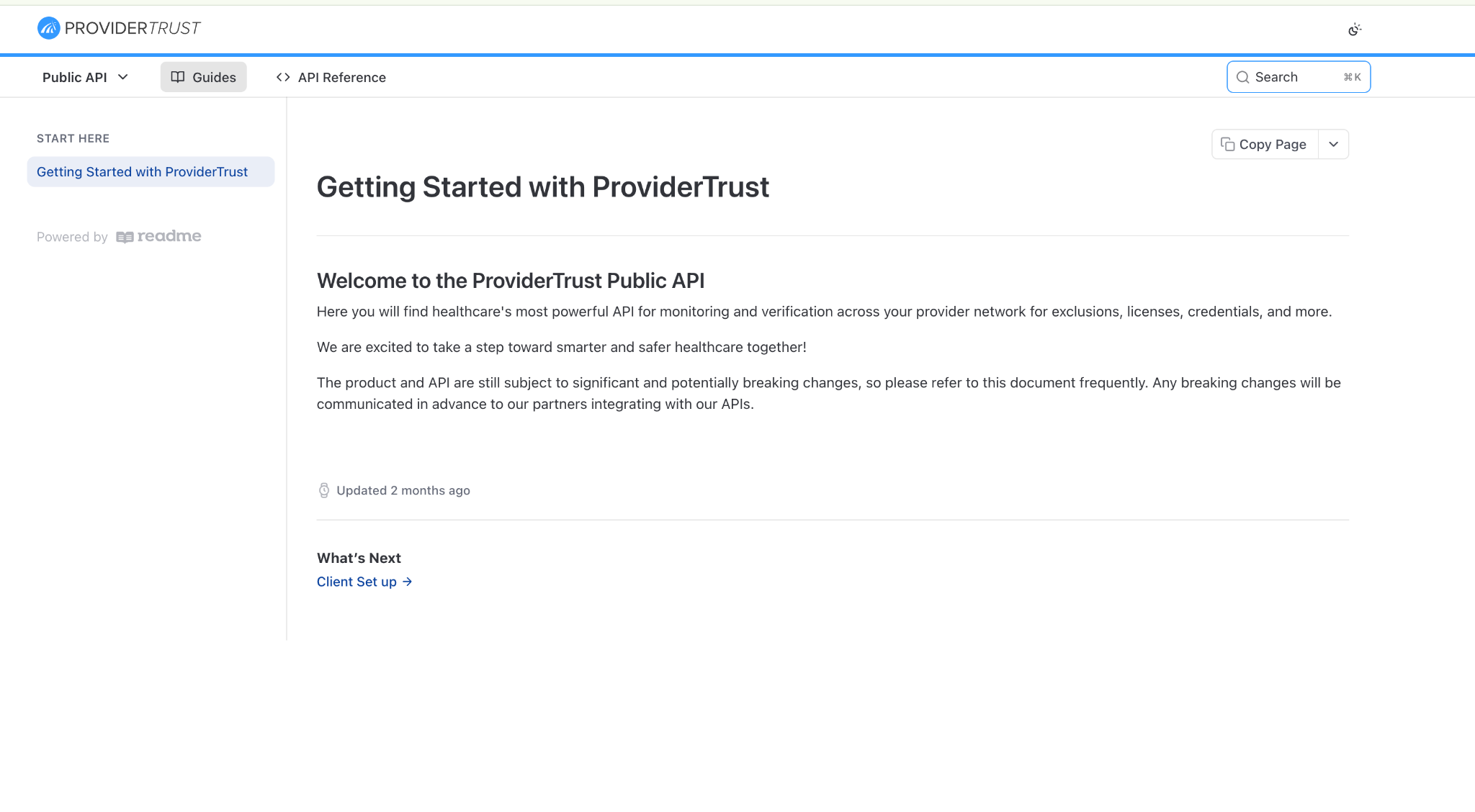
ProviderTrust's API needs just a provider's NPI to start, and it returns license, DEA, board certification, and exclusion data from primary sources. ProviderTrust describes its DynamicNPI data as "not a full-service CVO," so your own team still builds the file and runs the committee review.
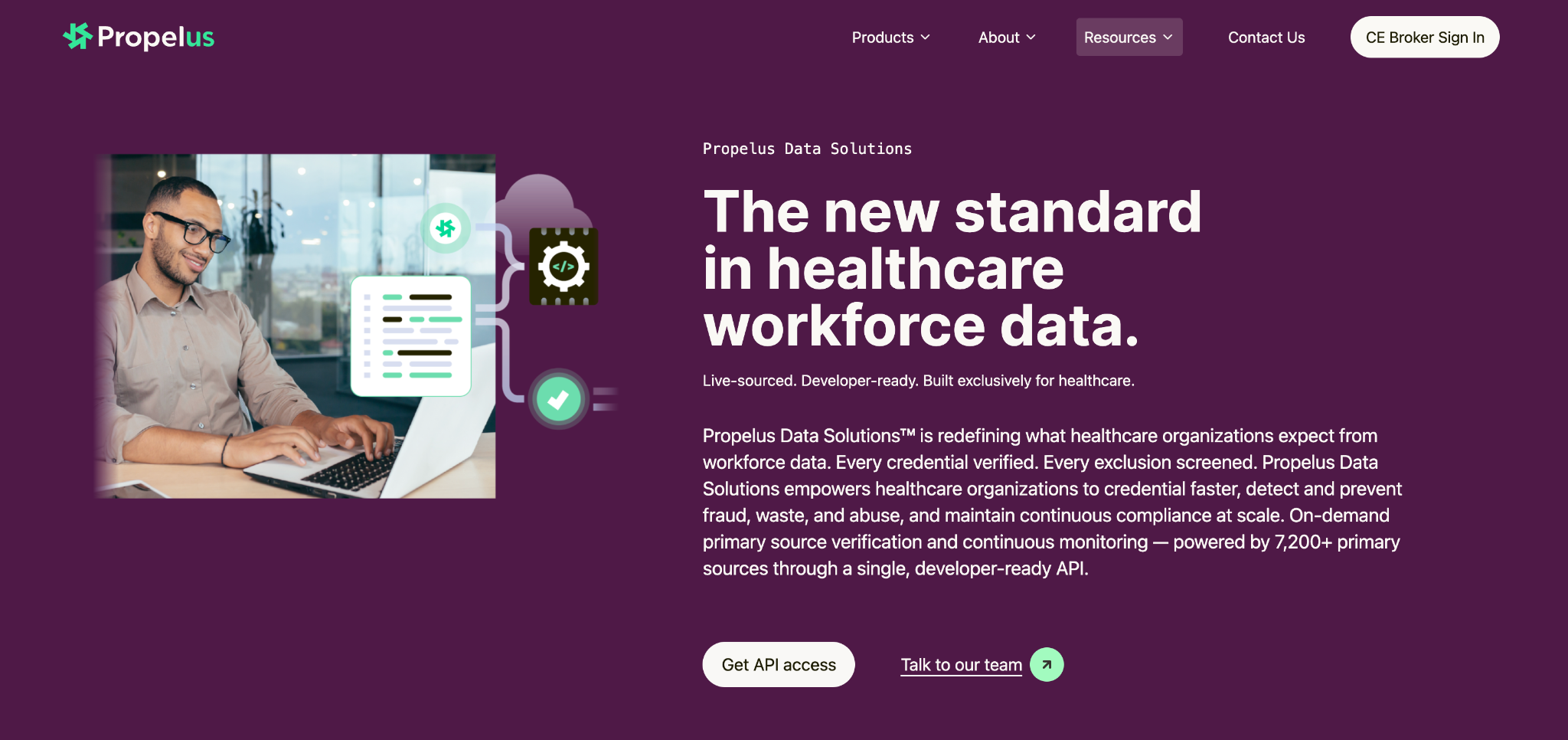
Propelus Data Solutions is an API for license verification, exclusion screening, and ongoing monitoring that runs underneath your own credentialing workflow. Keep in mind that its results expire after 7 days, so you'll want to save them on your side.
Baton Health is a primary source verification data API used by credentialing teams, payer operations, and telehealth companies. It's built on GraphQL, a query style that lets your engineers ask for exactly the fields they need. Baton sends back verification data and PDFs, and your own team builds the rest of the file.
We started with the question that matters most when you're choosing an API. How much credentialing work will it actually take off your hands?
For each option, we read the vendor's public API and product docs, plus NCQA's certification information where available. Then we compared them on four points:
This comparison covers published capabilities only, and we didn't run any hands-on performance benchmarks. So before you buy, check pricing, source coverage, access terms, and certification status directly with the vendor.
First, decide how much of the credentialing process you want the API to take on.
Some APIs give you individual verification results, like license statuses, exclusions, and board certifications. Others run the verification process for you and return a completed file for committee review. If your team already has a credentialing workflow in place, the first kind might be all you need. But if you're trying to cut down on manual work, you'll probably want the second.
Once you've settled that, it's worth checking these too:
Finally, ask to see a sample API response or completed credentialing file. It'll tell you more about how useful the integration will be than a feature list ever could.
All five options can help you get credentialing information into your systems. They mostly differ in how much your team still has to do once that information arrives.
If you're happy with your credentialing process and just need better source data, a verification API may be exactly what you need. If you want to go from provider intake to a committee-ready file without putting it together by hand, book a demo with Assured. We'll walk you through how the API fits into the provider onboarding process you already have.
NCQA requires recredentialing every three years, so each provider must complete primary source verification at least every 36 months. That's why an API that tracks each provider's next recredentialing date helps.
Credentialing verifies a provider's qualifications, such as their license, training, and work history, with the primary source. It ends with a committee-ready file. Provider enrollment, also called payer enrollment, comes after that and registers the credentialed provider with insurance plans so they can bill. Our guide to credentialing vs. payer enrollment walks through both in more detail.
Use an API if your ATS, EMR, or onboarding flow sends each new hire as they arrive and needs results back right away. File-based submissions, like a roster sent over SFTP, work better for big periodic updates. And plenty of teams use both.
None of the five APIs in this guide publish their rates, so expect to get a quote through a demo. When you do, ask how pricing scales with your provider count and whether any sources carry pass-through fees. Our pricing is usage-based, so it grows with your volume.

Assured Health, Inc.
333 Seventh Ave, Suite 1701
New York, NY 10001